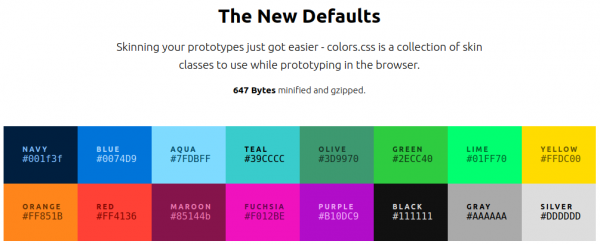
nicer color palette for the web
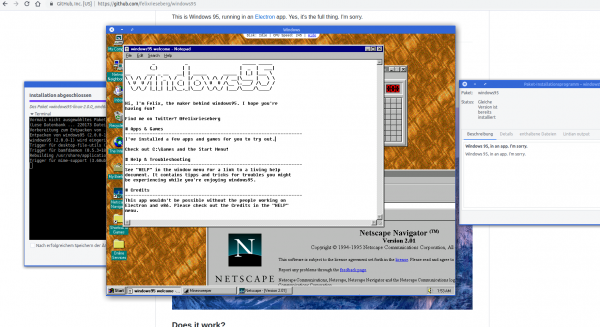
The times of Windows 95 are long gone. But some projects try to keep it alive. This project uses some system virtualization to bring you Windows 95 almost on any platform with almost no dependencies.
This is Windows 95, running in an Electron app. Yes, it’s the full thing. I’m sorry.
Felix Rieseberg
Not a lot of things are more private than your location.
Yet sometimes you wish to share your location with friends and family. May it be during an event or regularly. Maybe you want to
To allow the tech-minded audience to be in full control of what data is aggregated and stored regarding these needs I’ve created Miataru back in 2013 as an open-source project from end-2-end.
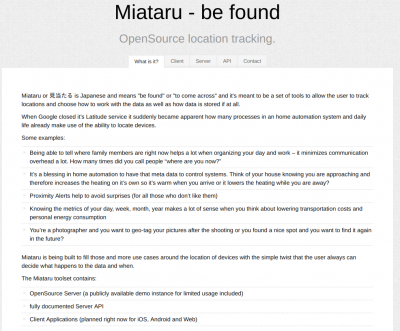
With the protocol being completely open and ready to be integrated into any home automation interested users can either utilize the publicly available (stores-nothing-on-disk) server or host your own.
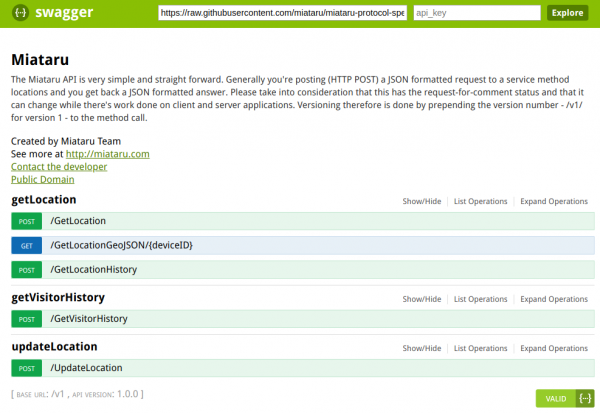
Everything from the server to the clients is available in source and there’s a ready-to-go version of the client app on the AppStore.
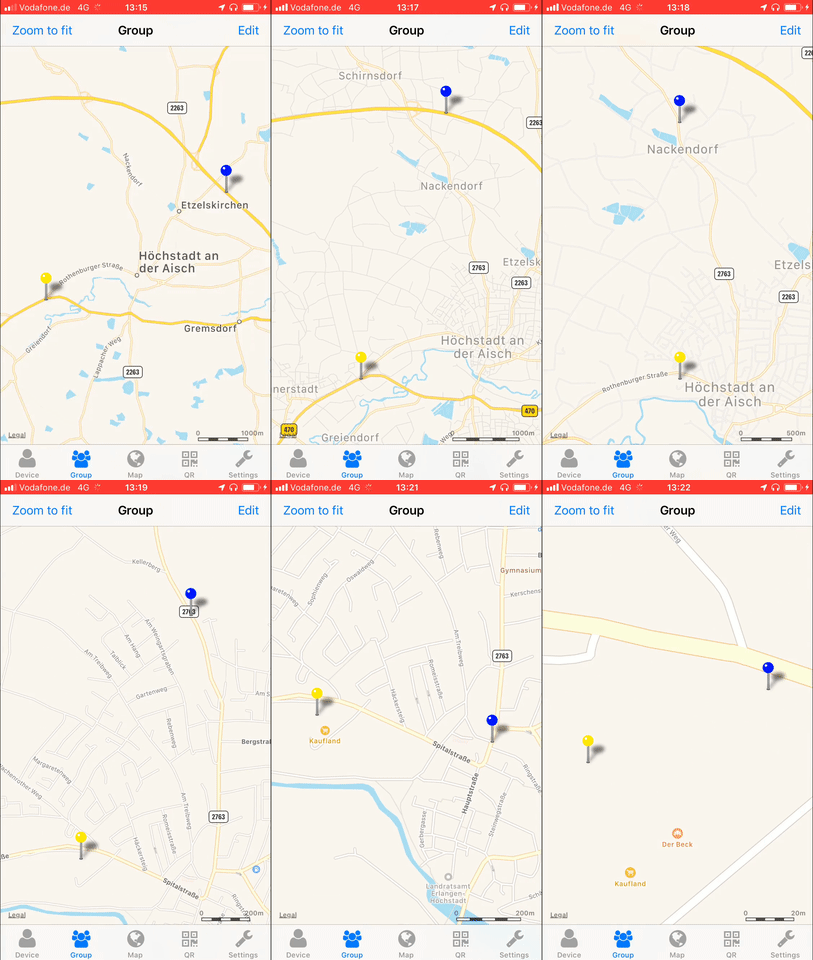
I just recently learned about Krita. An open source drawing application that allows you to… oh well… do free-hand drawings.
Krita is a FREE and open source painting tool designed for concept artists, illustrators, matte and texture artists, and the VFX industry. Krita has been in development for over 10 years and has had an explosion in growth recently. It offers many common and innovative features to help the amateur and professional alike. See below for some of the highlighted features.
Krita highlights
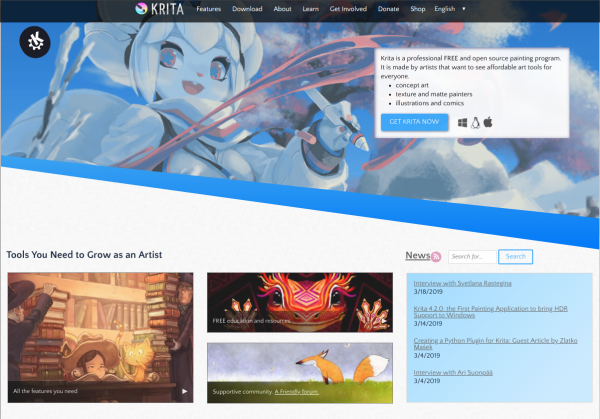
Taking a look at the gallery yields that I cannot draw. Frustration about that is limited because there’s so much nice drawings to gaze at!
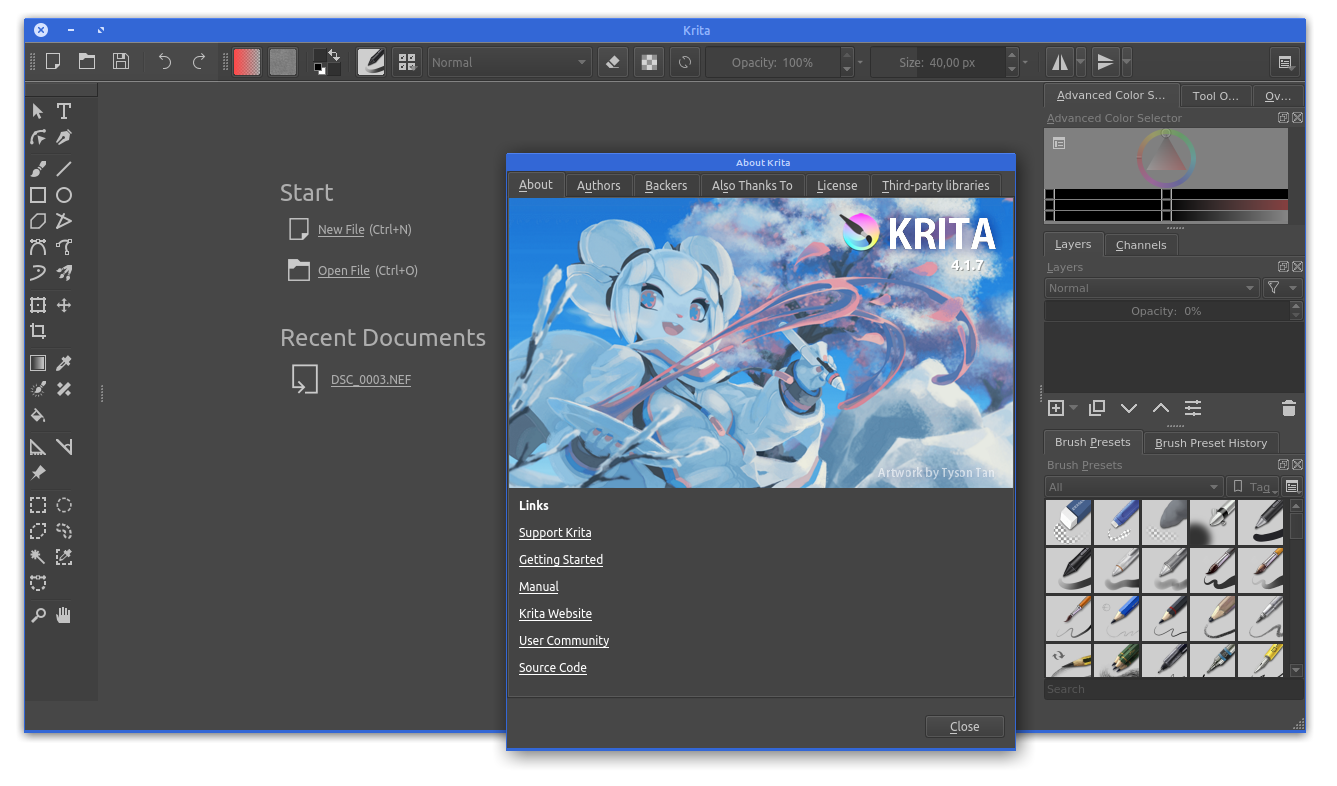
Also this is a multi-platform application. It’s available for Windows, macOS and for Linux.
MyFitnessPal is a great online service we are using to track what we eat. It’s well integrated into our daily routine – it works!

Unfortunately MyFitnessPal is not well set-up to interface 3rd party applications with it. In fact it appears they are actively trying to make it harder for externals to utilize the data there.
To access your data there’s an open source project called “python-myfitnesspal” which allows you to interface with MyFitnessPal from the command line. This project uses web-scraping to extract the information from the website and will break everytime MyFitnessPal is changing the design/layout.
Since the output for this would be command line text output it is not of great use for a standardized system. What is needed is to have the data sent in a re-useable way into the automation system.
This is why I wrote the additional tool “myfitnesspal2mqtt“. It takes the output provided by python-myfitnesspal and sends it to an MQTT topic. The message then can be decoded, for example with NodeRed, and further processed.
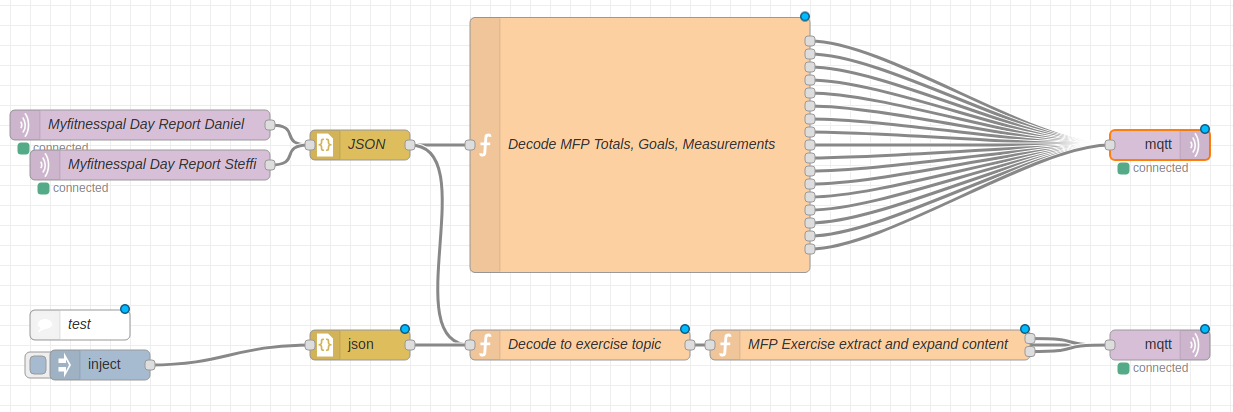
As you can see in the image above I am taking the MQTT message coming from myfitnesspal2mqtt and decoding it with a bit of javascript and outputting it back to MQTT.
![var complete = {};
var sodium = {};
var carbohydrates = {};
var calories = {};
var daydate = {};
var fat = {};
var sugar = {};
var protein = {};
var weight = {};
var bodyfat = {};
var goalsodium = {};
var goalcarbohydrates = {};
var goalcalories = {};
var goalfat = {};
var goalsugar = {};
var goalprotein = {};
var caloriesdiff = {};
var ttopic = msg.topic.toLowerCase();
var firstobject = Object.keys(msg.payload)[0];
complete.payload = msg.payload[firstobject].complete;
complete.topic = ttopic+'/complete';
sodium.payload = msg.payload[firstobject].totals.sodium;
sodium.topic = ttopic+'/total/sodium';
carbohydrates.payload = msg.payload[firstobject].totals.carbohydrates;
carbohydrates.topic = ttopic+'/total/carbohydrates';
calories.payload = msg.payload[firstobject].totals.calories;
calories.topic = ttopic+'/total/calories';
fat.payload = msg.payload[firstobject].totals.fat;
fat.topic = ttopic+'/total/fat';
sugar.payload = msg.payload[firstobject].totals.sugar;
sugar.topic = ttopic+'/total/sugar';
protein.payload = msg.payload[firstobject].totals.protein;
protein.topic = ttopic+'/total/protein';
weight.payload = msg.payload[firstobject].measurements.weight;
weight.topic = ttopic+'/measurement/weight';
bodyfat.payload = msg.payload[firstobject].measurements.bodyfat;
bodyfat.topic = ttopic+'/measurement/bodyfat';
goalsodium.payload = msg.payload[firstobject].goals.sodium;
goalsodium.topic = ttopic+'/goal/sodium';
goalcarbohydrates.payload = msg.payload[firstobject].goals.carbohydrates;
goalcarbohydrates.topic = ttopic+'/goal/carbohydrates';
goalcalories.payload = msg.payload[firstobject].goals.calories;
goalcalories.topic = ttopic+'/goal/calories';
goalfat.payload = msg.payload[firstobject].goals.fat;
goalfat.topic = ttopic+'/goal/fat';
goalsugar.payload = msg.payload[firstobject].goals.sugar;
goalsugar.topic = ttopic+'/goal/sugar';
goalprotein.payload = msg.payload[firstobject].goals.protein;
goalprotein.topic = ttopic+'/goal/protein';
caloriesdiff.payload = msg.payload[firstobject].goals.calories - msg.payload[firstobject].totals.calories;
caloriesdiff.topic = ttopic+'/caloriedeficit';
daydate.payload = firstobject;
daydate.topic = ttopic+"/date";
return [complete, sodium, carbohydrates, calories, fat, sugar, protein, weight, bodyfat, goalsodium, goalcarbohydrates, goalcalories, goalfat, goalsugar, goalprotein, daydate, caloriesdiff];](https://www.schrankmonster.de/wp-content/uploads/2019/03/Bildschirmfoto-zu-2019-03-22-14-13-41.png)
In the end it expands into a multitude of topics with one piece of information per MQTT topic.
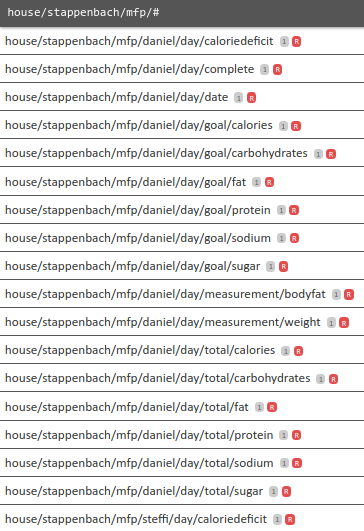
And with just that every time the script is run (which I do in a docker container and with a cronjob) the whole lot of pieces of information about nutrition and health stats are being pushed and stored in the home automation system.
This way they are of course also available to the home automation system to do things with it.
Like locking the fridge.
Every once in a while I need to make a good looking screenshot of code. Like really good looking and well colored.
Like this one:
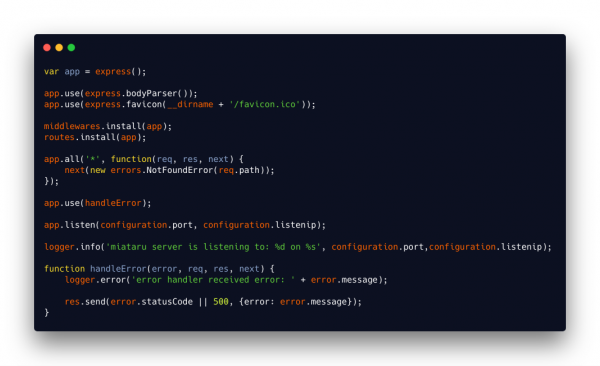
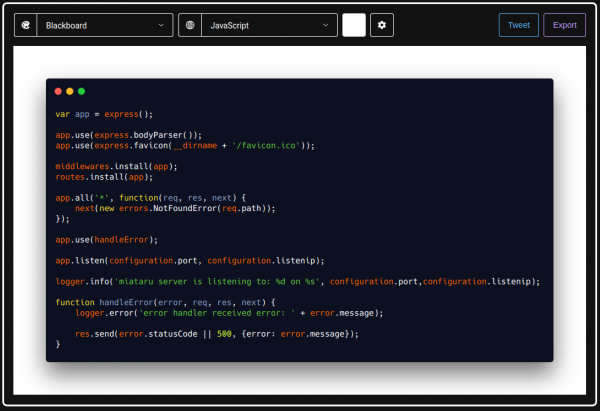
There’s the great “carbon” tool for that now! It’s browser based and you can access it either here or it’s source here.
This project uses the same approach that I took for my ESP32 based indoor location tracking system (by tracking BLE signal strength). But this project came up with an actual user interface – NICE!